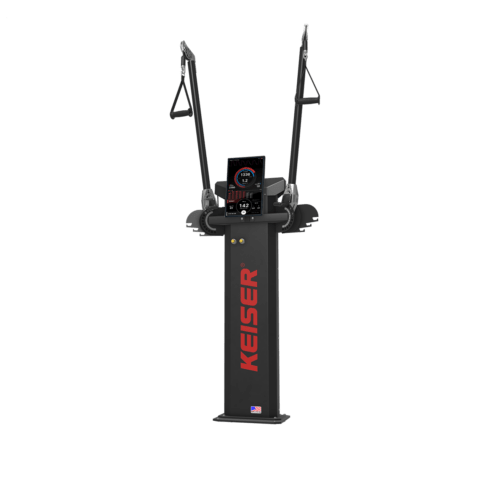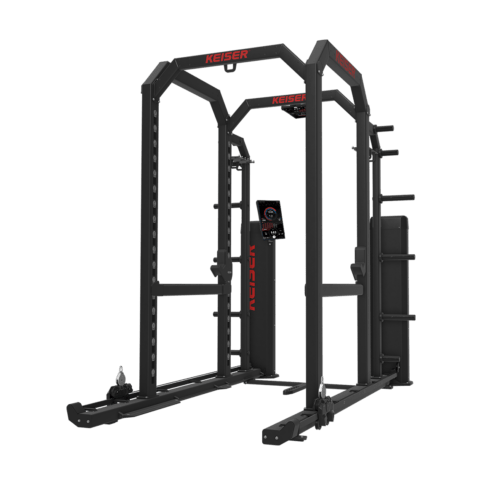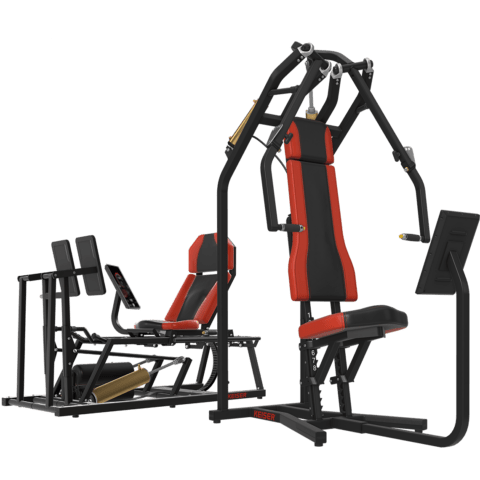
A400
RESISTANCE MACHINES

Discover how easy it is to see the data from power, velocity, and range of motion that drives training and rehabilitation.
A400 technology offers visual feedback and performance insights in real time.
And you can export A400 data for use in your analytics or records platform, whether it’s custom or off-the-shelf.
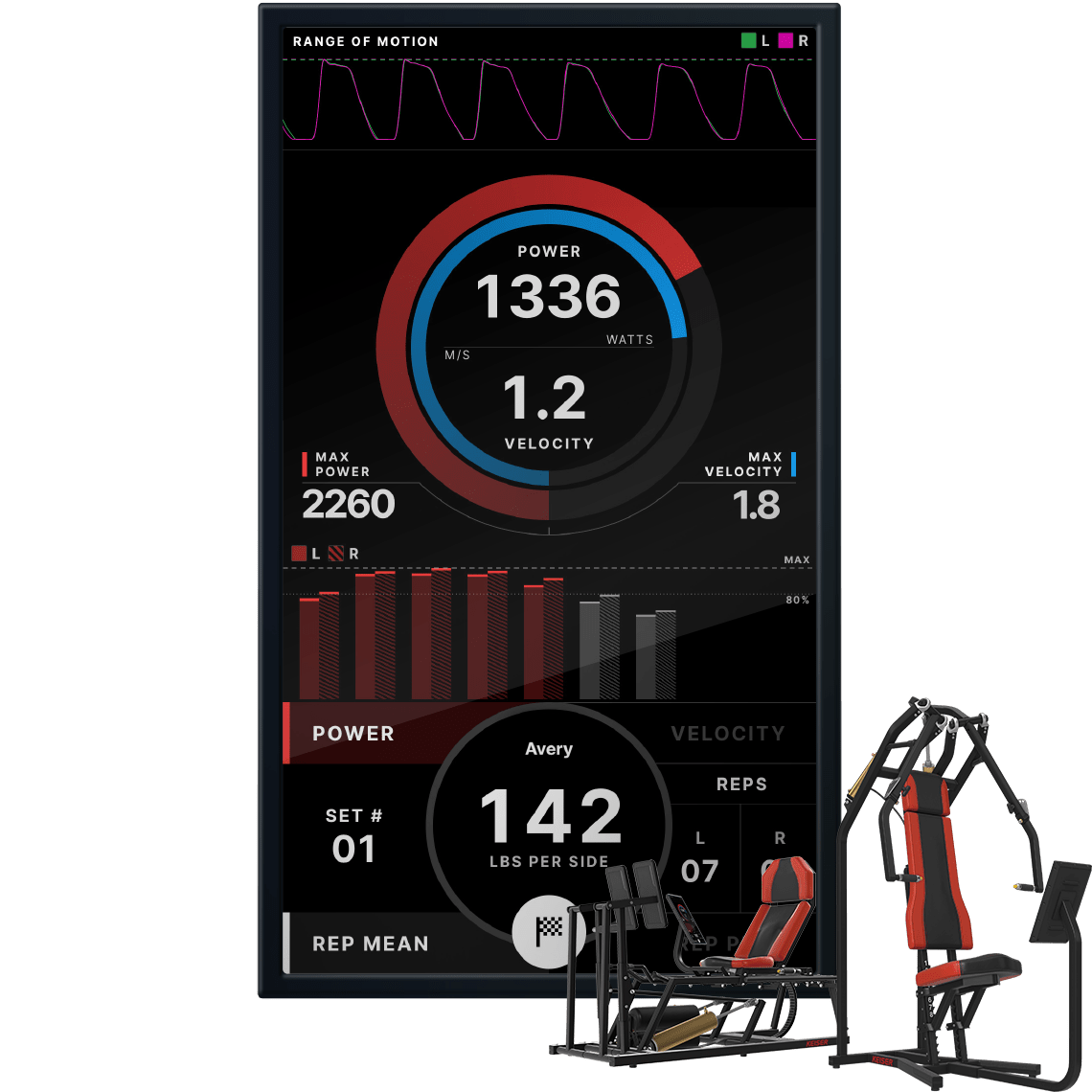

See mean and peak power for each rep.
See mean and peak velocity for each rep.
See data for both concentric and eccentric phases for each rep.

See velocity and power data for left and right side by side on unilateral machines.
Know when reps become less effective. Optimize training time and reduce risk of injury.
Get testing data from every workout. Make program changes in real time to optimise workout time and continue to progress.
Research indicates real-time visual feedback can increase athlete intent. A400 technology provides the feedback that inspires improved performance.

Capture vast amounts of performance data in the weight room or clinic. A400 makes it easy to capture force, velocity, power, and range of motion to track progress.
Set custom performance drop-off levels (e.g. 80% of peak power). See when more reps would produce diminished returns. Know when to end a set to save time and reduce risk.
Quantify progress in load, velocity, and power automatically. Then, bring it into your analytics or records system so you can track everything.

During exercise, the A400 Display captures your performance data.
Connect to the A400 system via mobile phone or tablet.

Download A400 data in CSV format from the display to your smart device.

Import your data files into your custom or off-the-shelf analytics platform.
Identify imbalances between left and right limbs that can lead to underperformance and injury (on unilateral machines only). Train or rehab for symmetry.
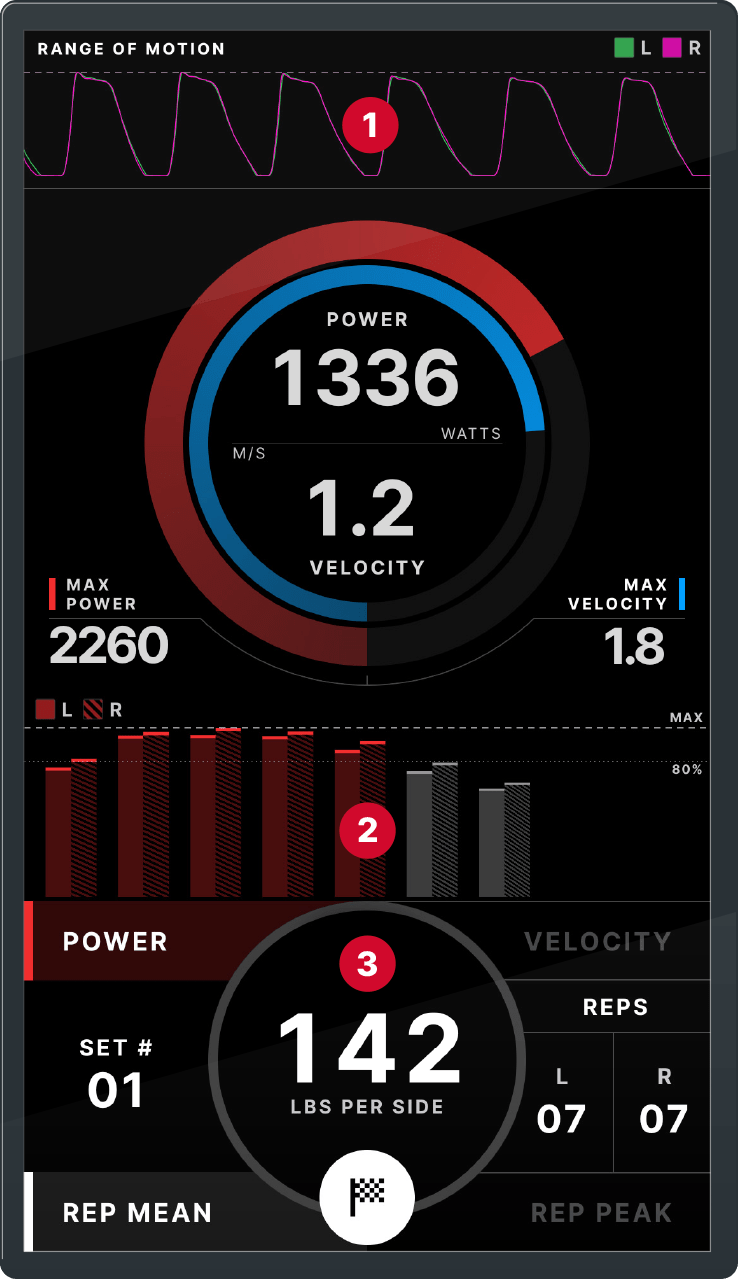
Powerful data visualisations that make it easy to see the insights in the data.
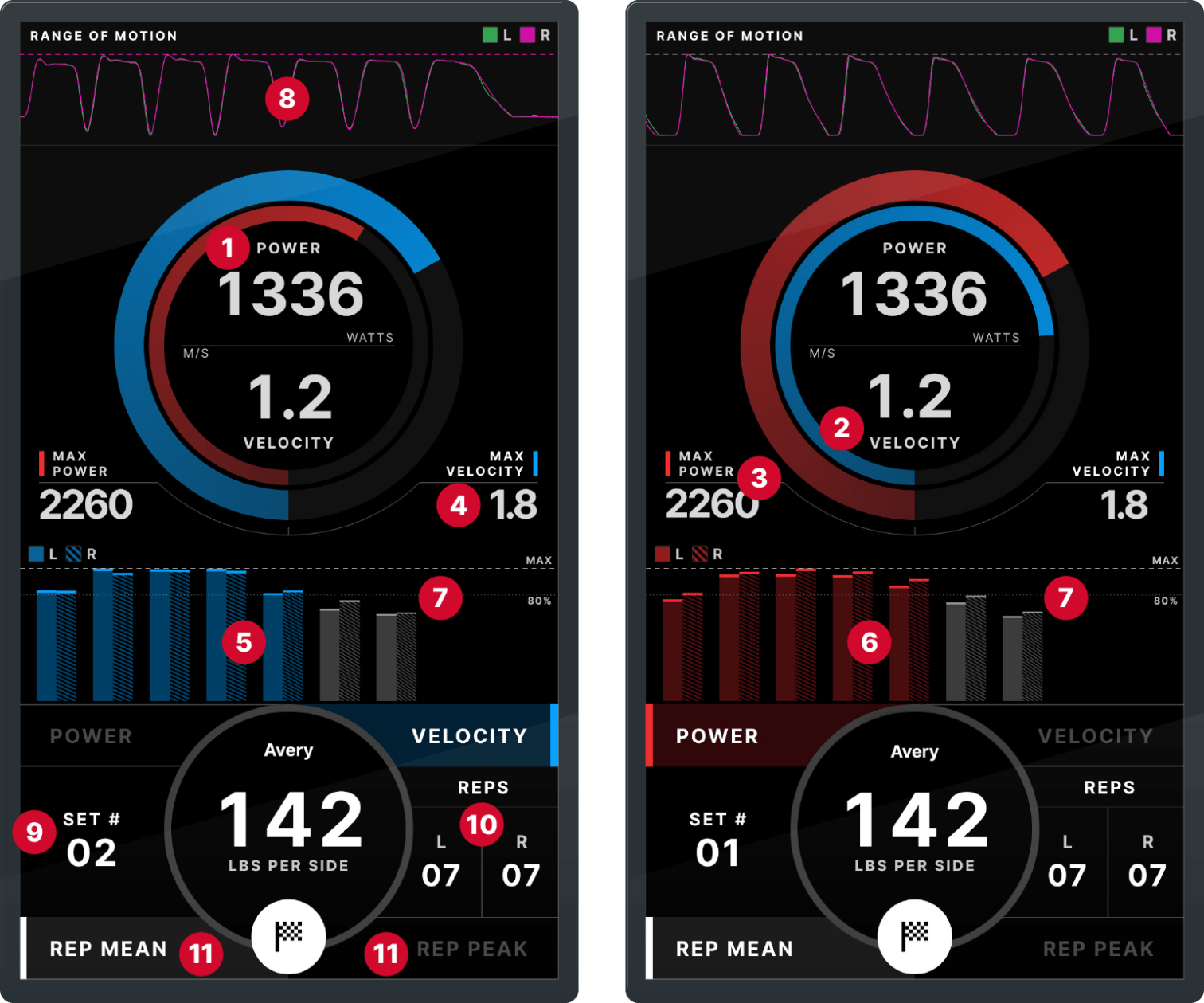
Understand the dynamics behind an athlete’s performance. Inspect each set and the reps within it.
See how an athlete’s power and velocity drive performance and motion characteristics. See the data behind performance drop-offs. Compare these factors on a unilateral basis on unilateral machines.
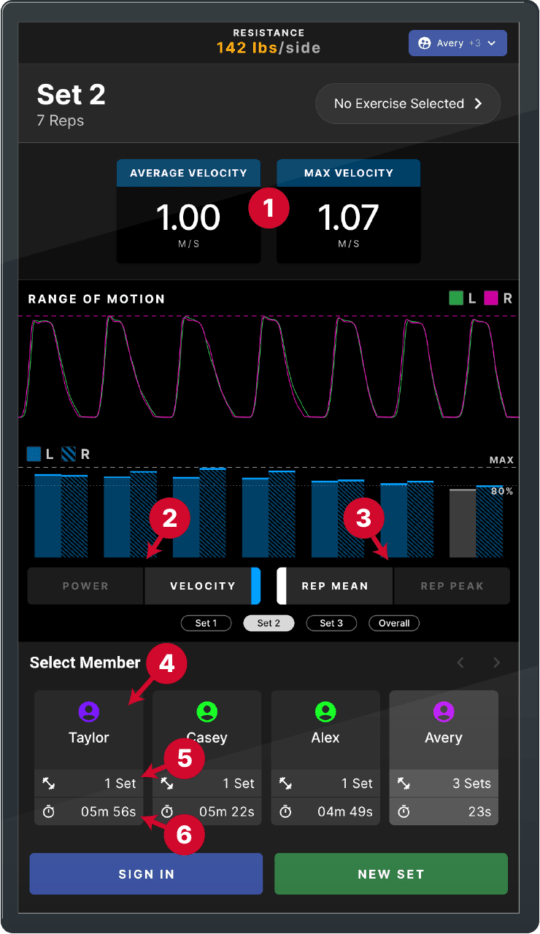
Get the insights needed to fine-tune training to drive peak performance.
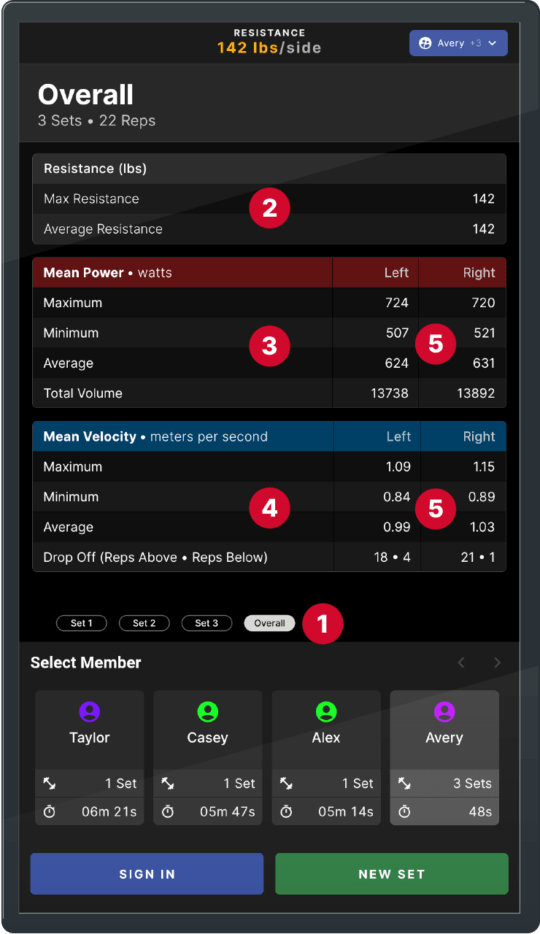
The A400 overall screen gives you an overview of an individual’s performance across all sets for an exercise.
Explore Keiser’s A400 technology in-depth, including advanced use cases.
DOWNLOAD BROCHUREOur nationwide team had a Keiser representative near you.

Request a price quote.

Easy business leasing available. Learn about attractive options that may be available to you.

Your local rep can bring one of our mobile showrooms to to you.

Our market sector specialists understand your needs and have the answers for your questions